As most of you know – I LOVE My Digital Studio and I LOVE to print projects at home. I've had several people ask me how I save paper when I print at home. A lot of you are ending up with one item printed in the center of a piece of card stock or paper. Sometimes this is what you want – but if you're making a bunch of projects you want to make that paper go as far as possible!!
So I've been working on putting together a little tutorial that will hopefully help you all with saving a little paper when you're printing at home with My Digital Studio!
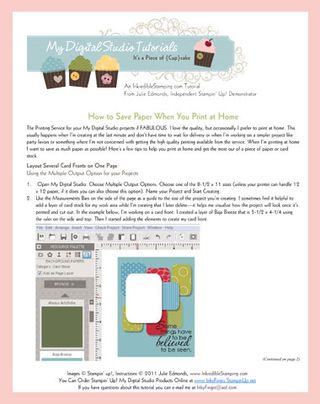
This is my first MDS tutorial so I would love to hear your feedback – was this helpful? Could I do something different? I considered a video tutorial but I wanted you to have something you could easily print out and set next to you when you're working. Send me an e-mail or leave a comment on this post to let me know what you think!!



 Inkredible Stamping
Leave a comment